


Our latest product features - October, 2026
Get a glimpse of how we are innovating in our product development and shaping the future of data-driven trading.
See Full List
555
Product Improvements
89
Bugs Squashed
Feature Highlights
Trading Front End Integration With Bloomberg Launchpad
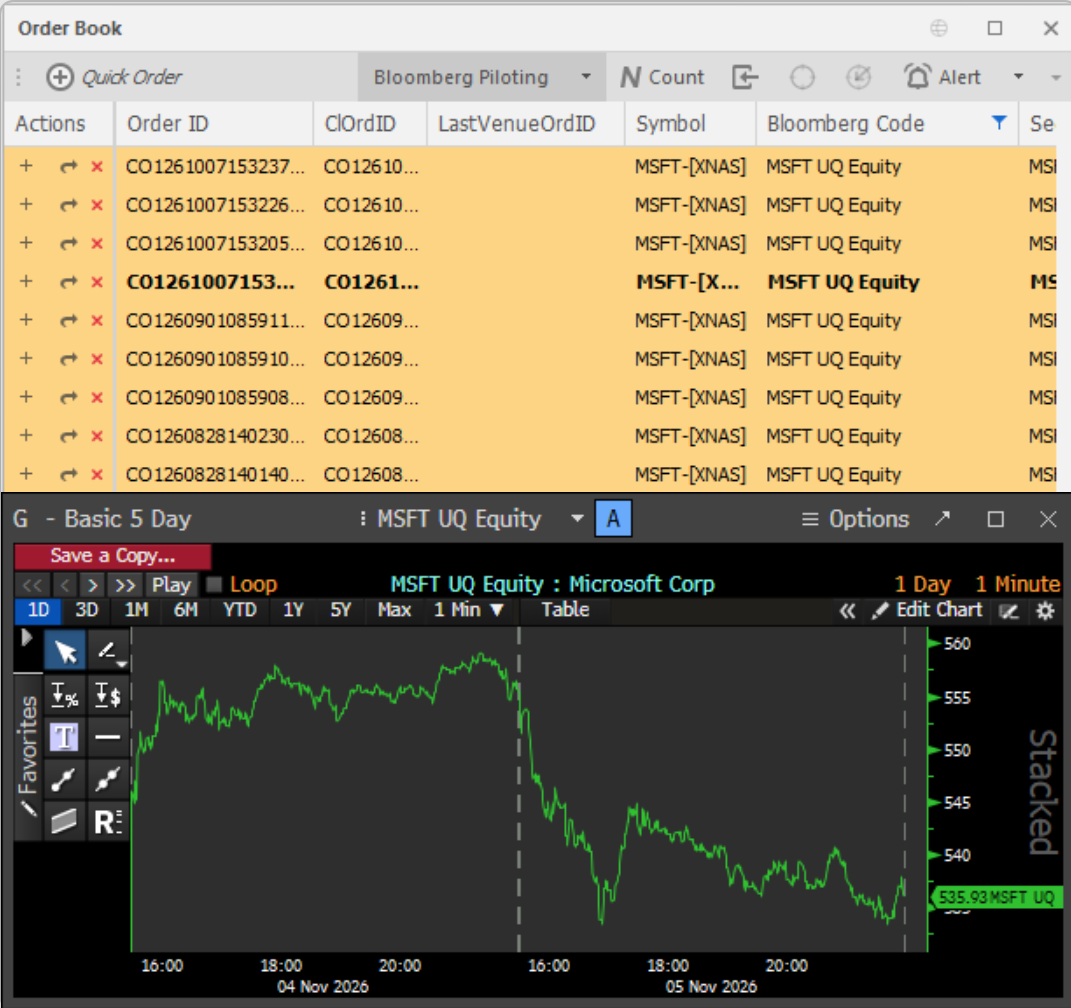
Traders can now keep the Quod trading front end synchronised with Bloomberg Launchpad, so an instrument selected in Quod appears instantly in their Bloomberg Terminal. Once the firm's Launchpad API key is configured, Quod loads each user's Launchpad groups at start-up, and a dedicated Bloomberg window lets users push any listing with a Bloomberg ID to a chosen group. A new Bloomberg Piloting button on the Order Book, Watchlist and Instruments grids automatically updates the selected group as traders click through rows, with the set-up saved as part of their workspace. This removes the need to re-key instruments across screens, keeping research and execution side by side.
FX Market Making GTC and GTD Resting Client Orders
FX market making clients pricing off Quod streaming quotes can now submit Limit orders with a Good-Till-Cancel or Good-Till-Date time-in-force, extending the resting Day order capability introduced previously. These orders pass the same validation and fill checks, then rest and are re-evaluated against every new quote until fully filled, cancelled, or expired. GTC orders keep working indefinitely, while GTD orders stay live until the end of their chosen expiry date, retaining their price/time priority across the end of day.
Dedicated Instruments Page In System Admin Front End
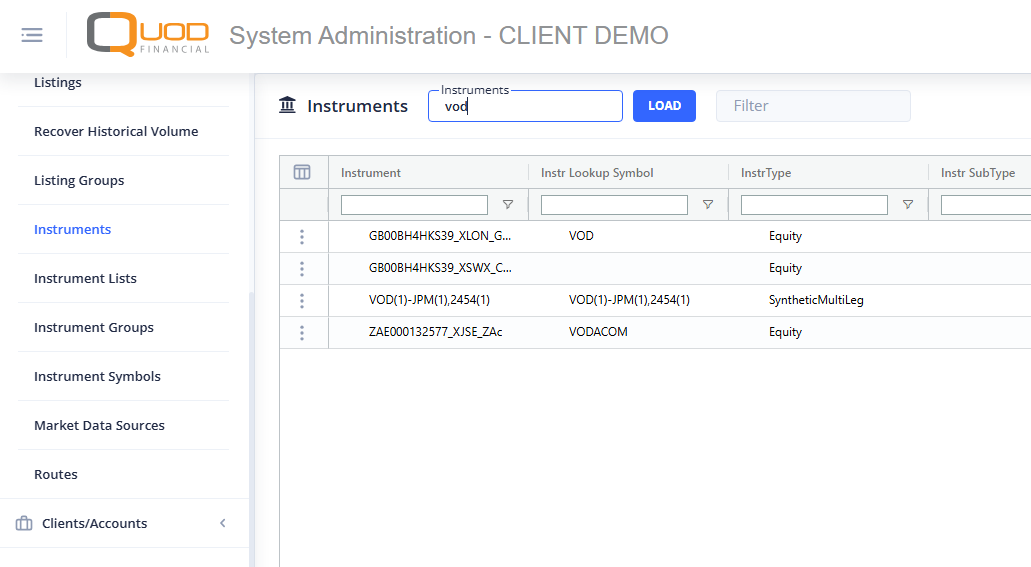
System administrators now have a dedicated Instruments page in the system admin front end, allowing instruments to be managed directly rather than only through their associated listings. The existing method of managing instruments through the Listings page remains available, giving operations teams the flexibility to maintain static data in whichever way best suits their workflow.
Get a glimpse on how we are innovating in our product development
As a consolidated entry point to the answers you need, HUB gives you access to information on our product features, new feature updates, system architecture, user guides, and more - all in one place.
Join Quod Hub