


Our latest product features - Q2, 2026
810
Product Improvements
289
Bugs Squashed
Feature Highlights
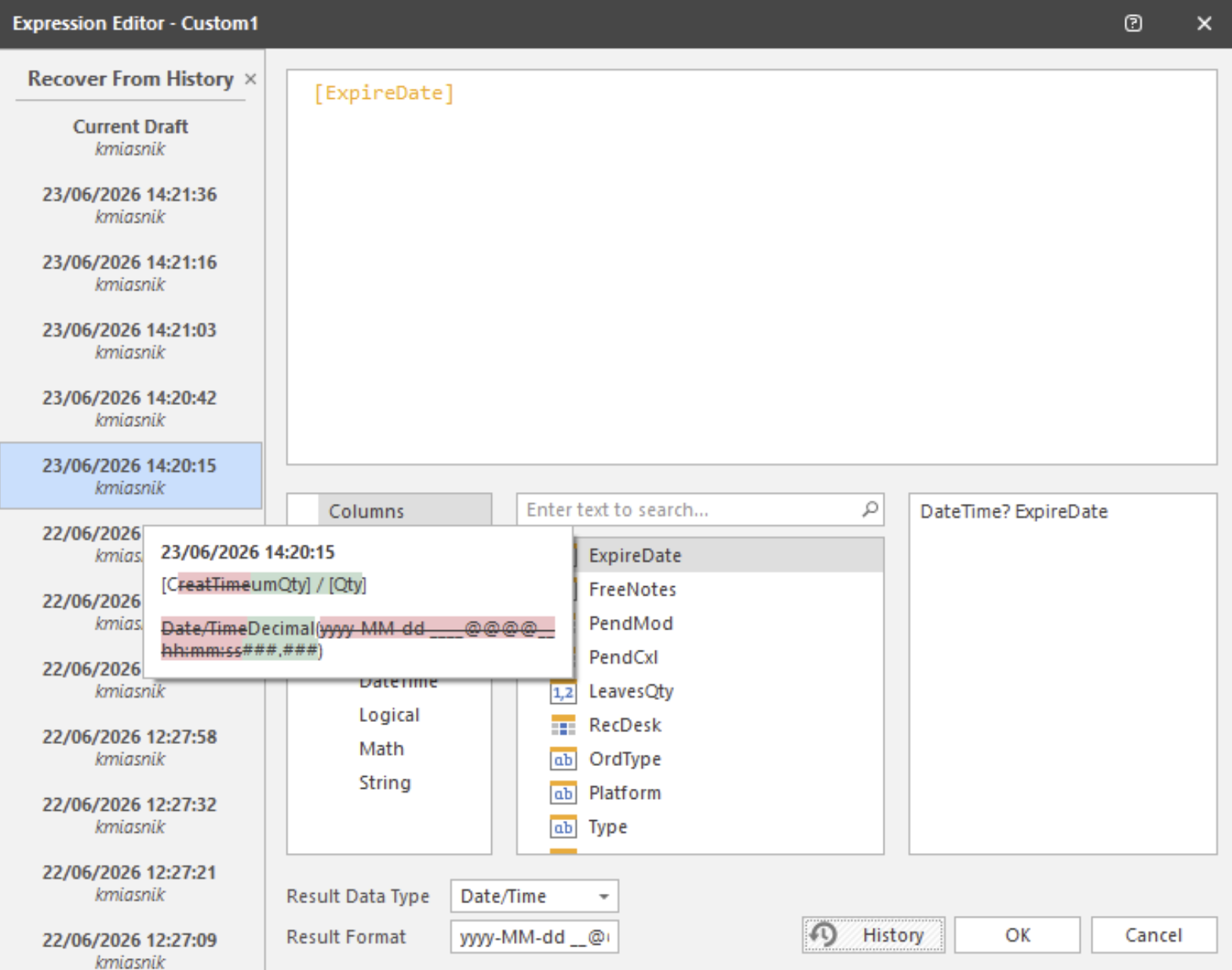
View Custom Column Change History In Editor
Multiple Block and Allocation Import
Allows middle-office personnel and execution traders to process bulk order allocations simultaneously via a single file upload. Users can drag and drop standard CSV or Excel templates containing multiple distinct block trades and their corresponding allocation accounts directly into the system interface. The system automatically parses, validates, and matches the allocations against the block orders in real time, alerting users to any discrepancies or validation errors before final processing.
This capability removes the manual friction of entering allocations line by line, drastically reducing operational risk and post-trade processing times during peak volume periods. It fully supports equities, fixed income, and derivatives, offering full configurability to accommodate custom institutional allocation workflows.
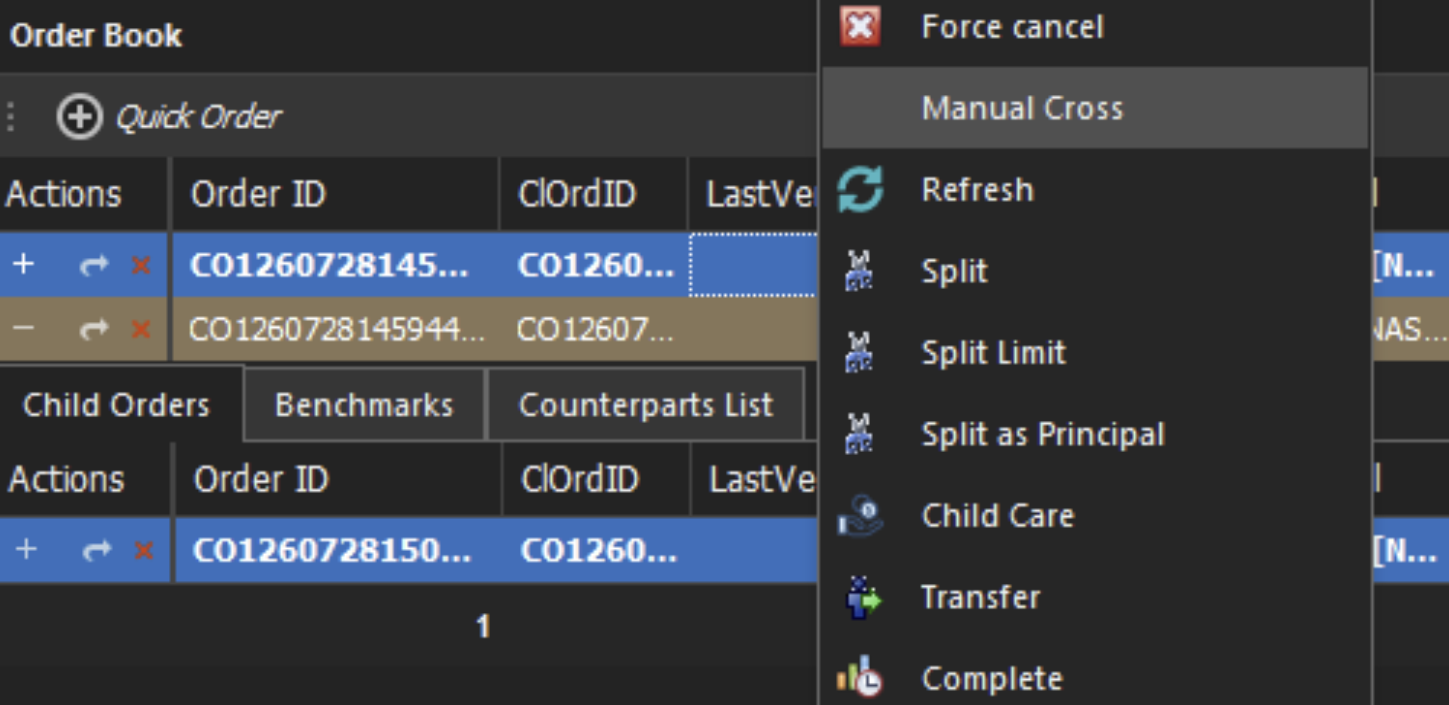
Cross Care Orders Across Any Order Level
Manual or Automatic Fallback To Send Orders To Alternate Routes
When a broker rejects an order, the system can reroute it to the next eligible pre-configured alternate without re-entering the order. Rerouting is automatic when enabled on the order management rule, or manual via right-click, quick-action buttons, or mass action in the trading front end, letting traders step to the next, previous, or a specific alternate.
Only alternates with active routes are ever offered. This keeps orders moving after broker-side rejections with minimal or no trader intervention.
Pairs Strategy Spread Formula Enhancements
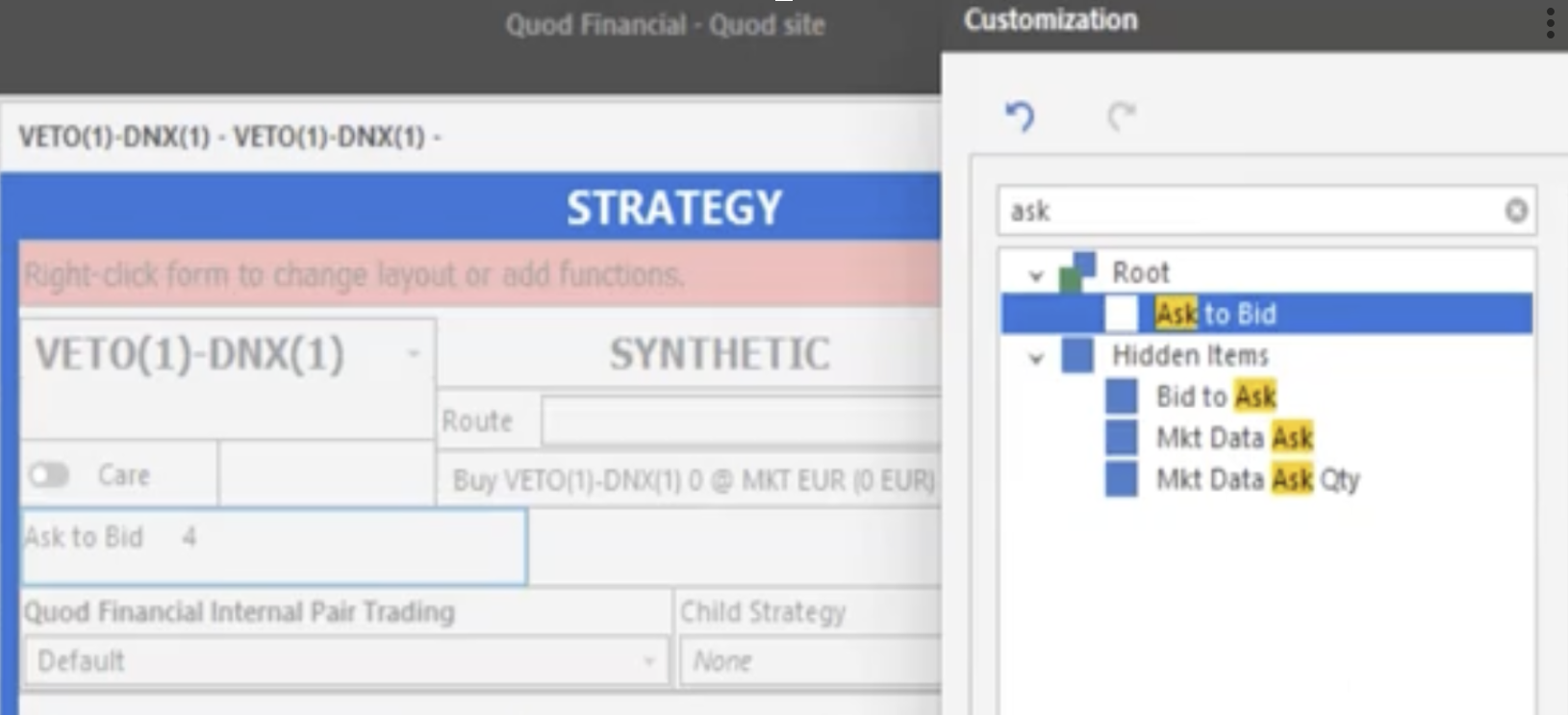
Pairs Trading Strategy theoretical spread follows a single, consistent convention across every calculation method. The spread is now aligned with the standard market convention for hedging a position against its driver. This convention applies uniformly across all spread benchmarks and every spread mode, so the value you see is defined the same way wherever it appears.
Child order sizing follows the same convention, rounding the hedge leg up to the nearest valid lot so both legs are always hedged at the correct notional. Together these changes give trading desks a spread that matches their convention and legs that hedge at the intended ratio, for clearer monitoring and more precise execution of complex pairs trades.
Front End Custom Column Change History Report
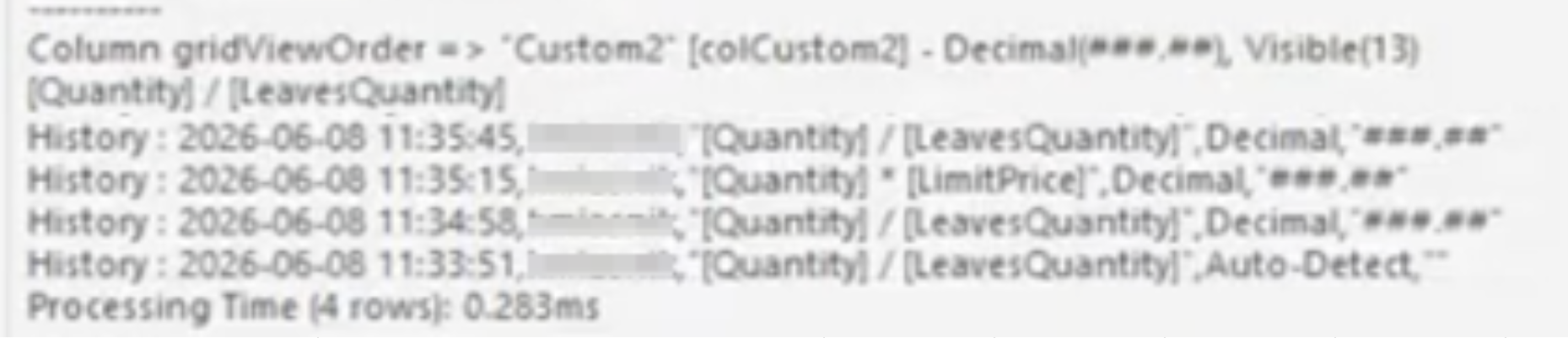
Users of custom columns in the .NET Trading Front End can now track the history of changes made to custom column expressions in their workspace layout. Every change to a custom column expression, data type, and format is logged to the workspace with a timestamp and the ID of the user that made the change.
This functionality provides internal support teams with a clear trail to troubleshoot workspace custom column discrepancies or recently introduced problems in complex, multi-user trading environments.
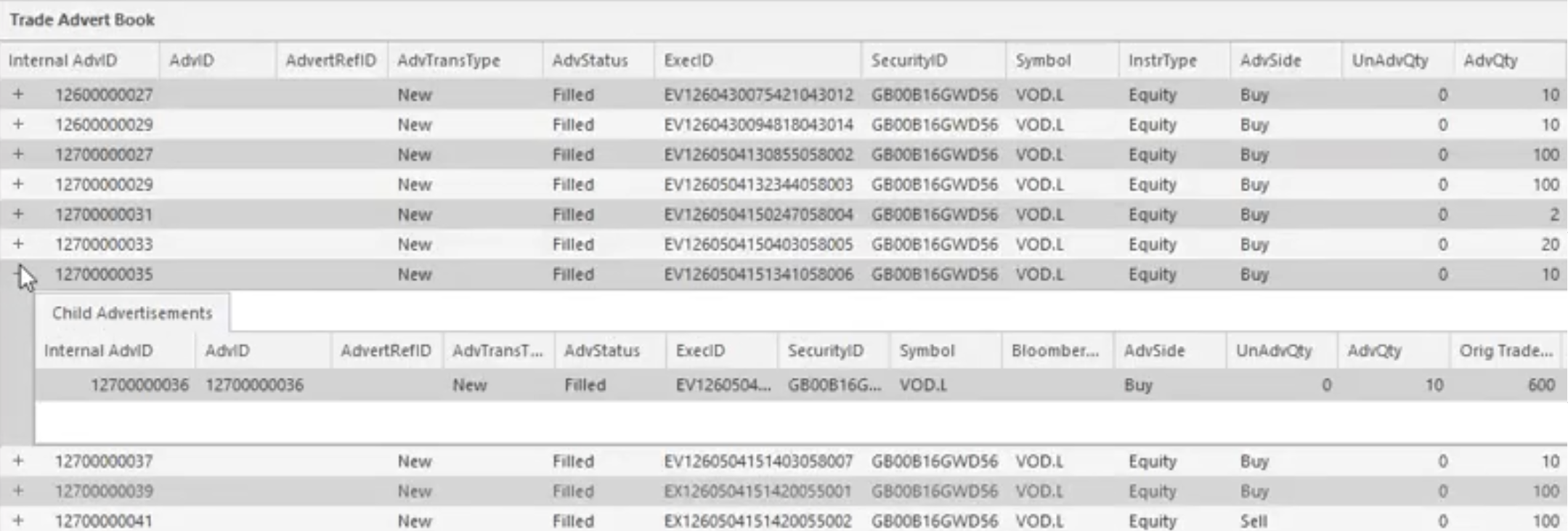
Monitor External Trade Advertisements In Trading FE
Other Highlights from 2026
| Features | |
|---|---|
| POV Strategies Priced Against Volatility-Adjusted Fair Value | Learn more |
| FX Market Making Pricing Based On Net Of Multiple Position Books | Learn more |
| Evaluate Amends of Care Orders In Order Management Rules | Learn more |
| Interval Market and Limit TWAP Strategy Benchmarks | Learn more |
| Auto-Open Order Book In Client-Inbox Mode | Learn more |
| Configure Specific Layout For Amend Order Ticket | Learn more |
| Trigger Super-Algo Actions On Trading Phase Change | Learn more |
| FX Market Making Configured Price Synthetic Bands | Learn more |
| Order Management Rules Use System Variables In Conditions And Results | Learn more |
| Manually Create Block Without Associated Order | Learn more |
| Trading Front End Order Ticket Auto-Adjusts Height | Learn more |
| FX Market Making Mid Price Synthetic Quantity Bands | Learn more |
| Front End Unstable Connection Detection | Learn more |
| Require Manual Approval of Order Actions In Front End | Learn more |
| Select Multiple Orders To Quickly Create Multi-Leg Bag Orders | Learn more |
| Specify Separate Anticipative And Reactive Venues For Participation Strategy | Learn more |